
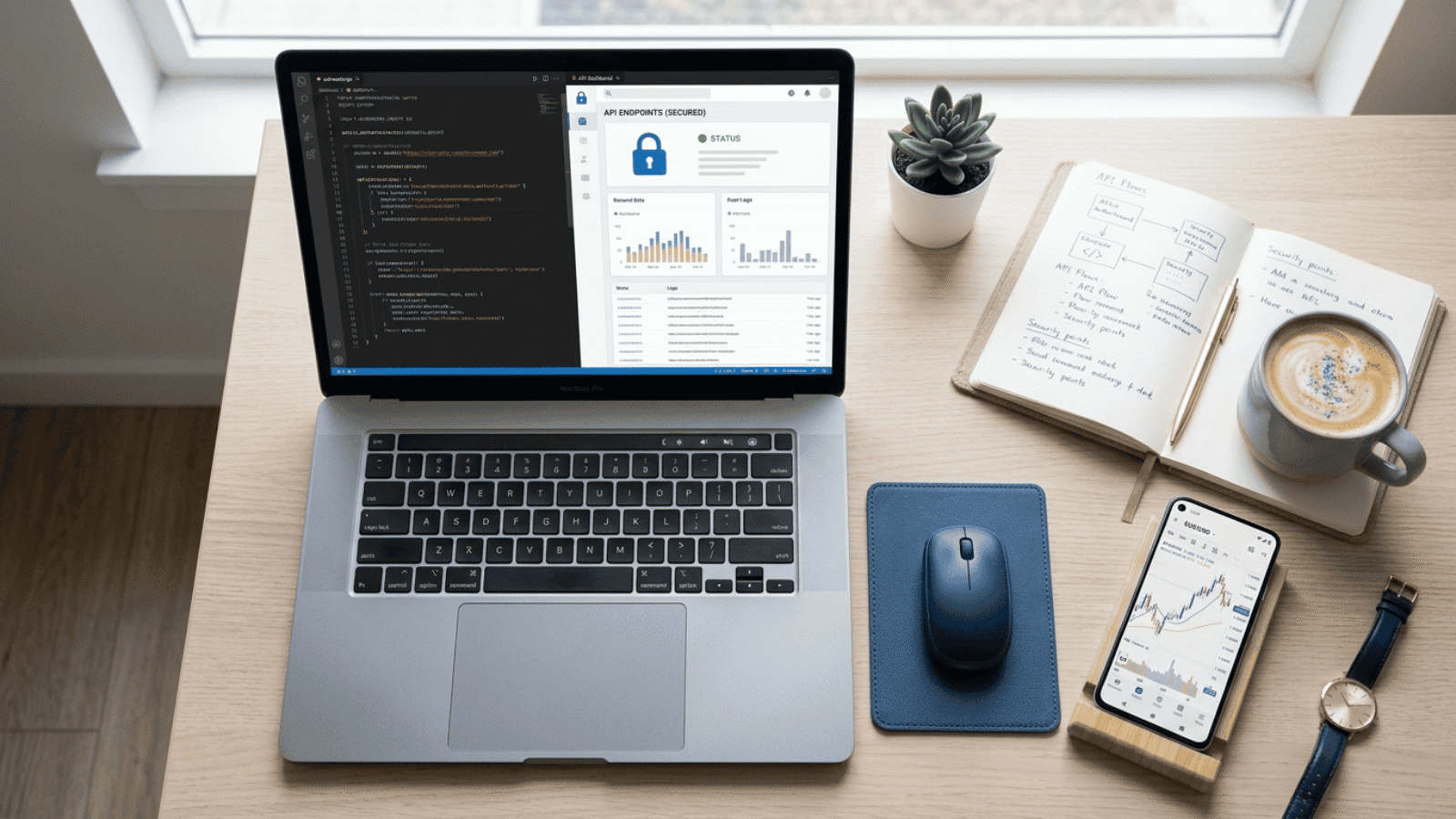
Most traders only ever see Exness through the Personal Area or the MetaTrader terminal — but there's a whole other layer underneath that most people never hear about. Exness publishes a public developer API, and if you've ever wanted to pull your own trading data automatically, build a custom dashboard, or connect your account to a script or bot outside MetaTrader, this is the door that opens that up. Let's go through what it actually is and what setting it up looks like.
What the Exness API Actually Covers
The Exness developer portal isn't one single API — it's a set of them, organized by what you're trying to do:
- Trading API — programmatic access to account and trading data, routed through a Gateway host rather than the terminal.
- Partnership API — useful if you're an IB or affiliate and want to pull referral, volume, or commission data programmatically instead of exporting reports by hand.
- Payments API — covers deposit and withdrawal related operations at a programmatic level.
This is a different thing from an Expert Advisor running inside MetaTrader. An EA talks to the trading platform directly through MQL; this API talks to Exness's own servers independently of whether MetaTrader is even open. If you're trying to automate something that lives outside the terminal — a reporting tool, a rebate tracker, a monitoring script — this is the relevant layer, not MQL5.
Before You Can Call Anything: API Key and Host Setup
Every request to the API has to be authenticated, and that starts with two things you need to set up first.
1. Create an API Key
This happens inside the Key Management section of the developer portal. You generate the key there, and Exness gives you a secret alongside it. That secret is shown once — treat it the same way you'd treat a password, because anyone who has it can act on your account through the API.
2. Copy the Current Host
The API doesn't use one fixed address forever — there's a DNS widget in the portal that shows you the current host. For the Trading API specifically, this host is the Gateway, and it needs to match the Access Point your actual trading account is assigned to. Using the wrong host is one of the most common early mistakes — the request will simply fail to reach the right server.
3. (Optional) Generate an Ed25519 Key Pair
For request signing, Exness supports Ed25519 keys, which you can generate yourself with OpenSSL. You register the public key with the platform and keep the private key on your end to sign outgoing requests. This step is optional depending on which endpoints you're using, but if you're building anything that places trades or touches sensitive account actions, expect this to be required.
4. Set Your Environment Variables
Once you have a key and a host, the practical next step is storing them as environment variables in whatever you're building — your API key, account identifier, and host address — rather than typing them directly into your code.
The Security Rule That Actually Matters
This is the part that's easy to skip past and genuinely shouldn't be: never commit your API key or secret to Git, and never hardcode it directly into a script you might share, upload, or push to a repository — public or private. If a key ever does leak, the correct response is immediate revocation from Key Management, not just rotating it quietly. A leaked key with trading or payment permissions is a direct financial exposure, not just a privacy issue.
Who Actually Needs This
If you're a regular trader placing orders through MetaTrader, you don't need any of this — the terminal and the Personal Area already give you everything. This API is for a narrower case: developers and technical users building something external — a custom reporting tool, an automated rebate or volume tracker, a monitoring dashboard, or any integration that needs to talk to Exness without a human sitting in front of MetaTrader.
If that's the direction you're headed, it's worth connecting this to the broader picture of rebate tracking we've covered before — the volume and account data this API exposes is the same underlying data that determines your cashback through our partner program.
If you haven't linked your Exness account under our rebate program yet, you can do that here: Open an Exness account with cashback tracking.
Related Reading
- Exness Pro Account Explained
- Exness Flexible HMR Explained: What It Means for Your Margin
- Exness Deposit & Withdrawal Methods for Traders in the Middle East
Most traders will never touch this API, and that's fine — it's not meant for the terminal workflow most people use day to day. But if you're technical and want your own tools talking directly to your account data, this is the legitimate, documented way to do it — just treat your API key with the same seriousness you'd treat your account password.
Leave A Comment